


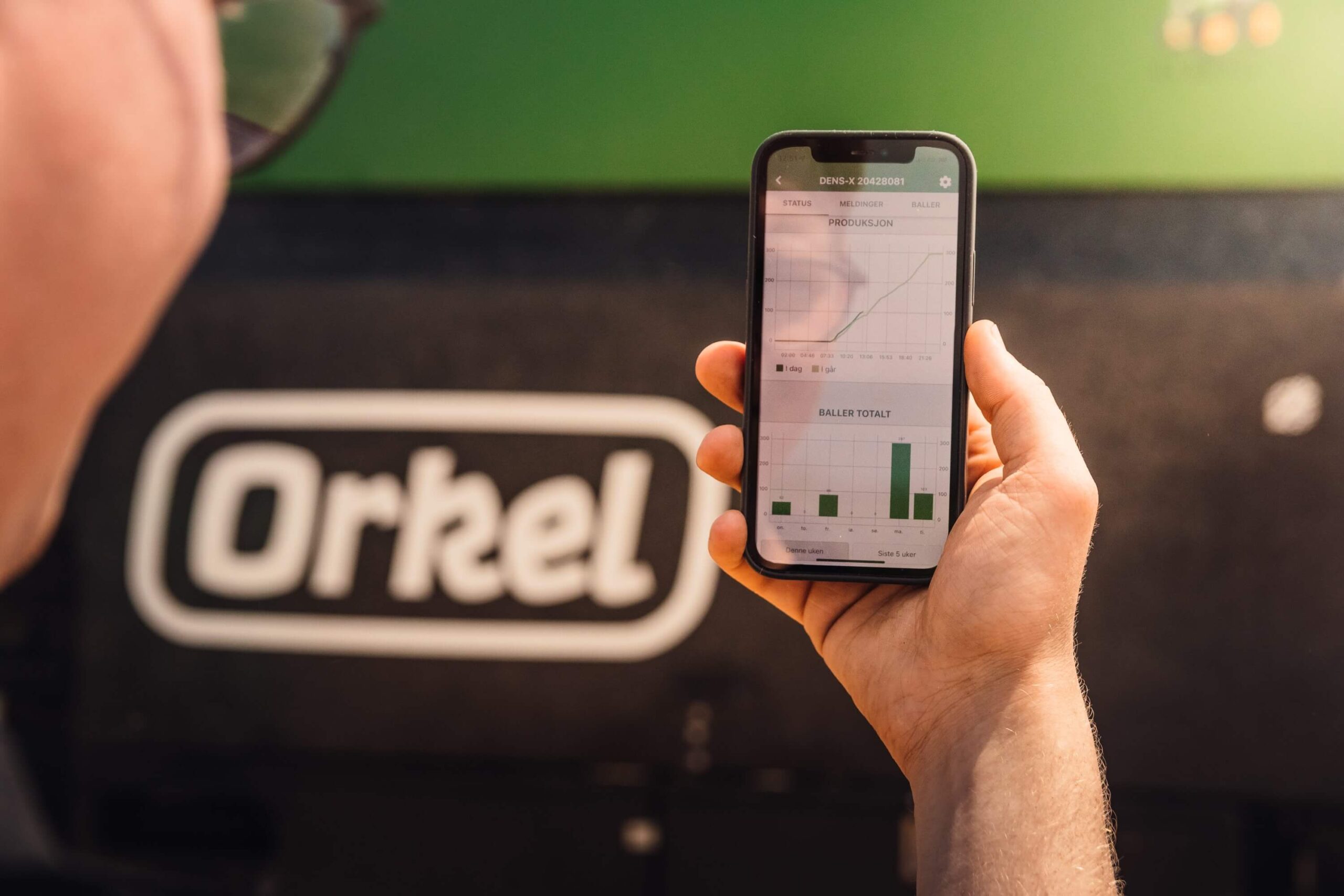
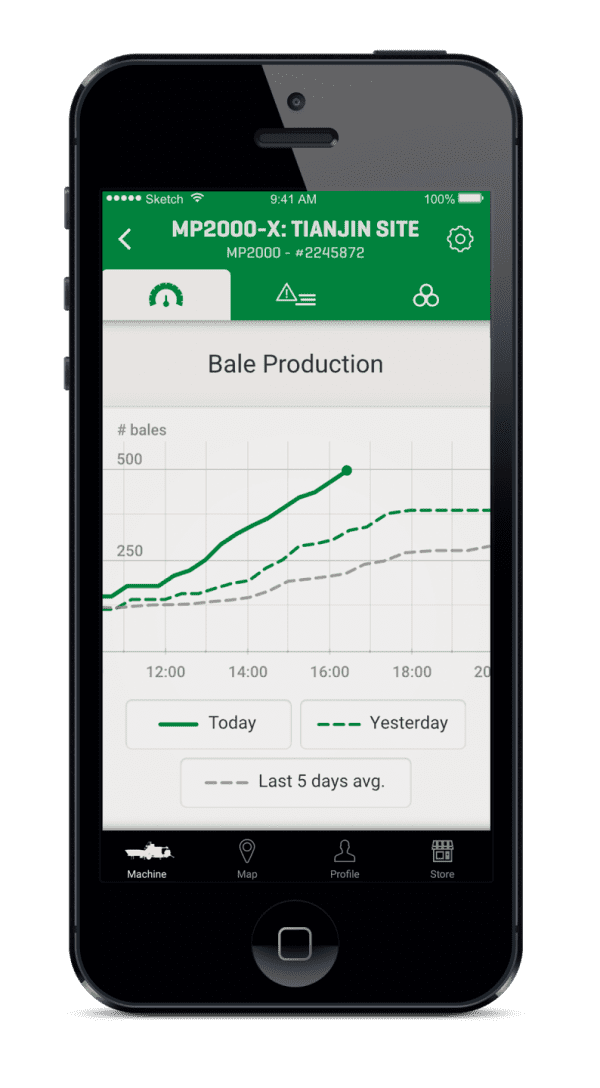
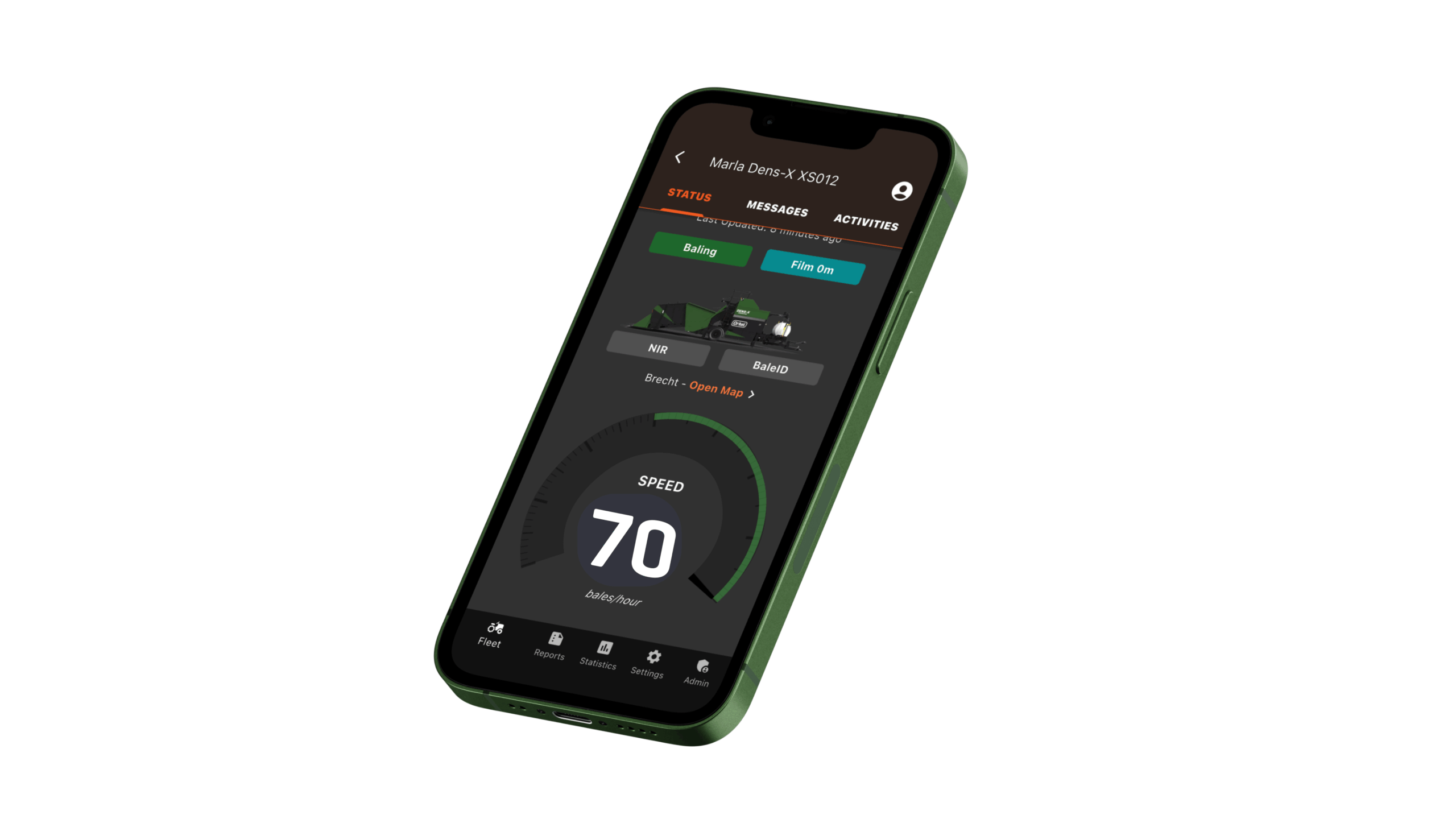
Orkel Telematics is a monitoring system designed for Orkel balers, providing users with an overview of machine activity and location.
The system displays real-time and historical production data through interactive diagrams and widgets. Users can track baling activities, events and error messages and generate customized reports in PDF or Excel formats. Service technicians can connect to your Orkel Compactor online and help the user with problems or to improve baling.
The Activities section automatically divides baling into batches based on location, breaks, or notes, and users can split activities and add information to the bales in the app or web portal. Weekly baling reports are also available via email. The whole system can be accessed through a web portal or mobile app.
1. What is the “activity library” and how does it work?
The “activity library” is where the Orkel Telematics system automatically stores your machine’s production data for future access. A new activity is generally defined as one production day, a new location, or a new customer registered on the machine control system. This allows for easy tracking, reporting and invoicing on specific periods or events.
2. How can I share data from Orkel Telematics with others?
Orkel Telematics offers several ways to share data:
Access Control: Through the Telematics app or web portal, you can manage user access to your machines, granting different permission levels (“View tags and activities,” “Edit tags and activities,” “Send reports,” and “Manage device users”).
Sharing Machines: You can directly share a machine with another Telematics user, granting them access based on the permissions you set.
Reports: You can generate customizable reports in PDF or Excel format and share them via email with recipients either typed in directly or selected from your address book.
Weekly Baling Reports: You can get a weekly report with a summary of the previous week’s production. Send a request by emailing precision@orkel.no, and we will set it up.
3. What are “Tags” and how can they be used within Orkel Telematics?
In Telematics “tags” are digital labels that can be added to baling activities and reports. These tags allow you to filter and search for specific activities when creating reports or looking for specific events. Common uses for tags include customer names, information about what has been baled, quality indicators, warnings, or any other relevant information you want to track.
4. How can Orkel Telematics help with troubleshooting machine issues?
The “messages functionality” within Orkel Telematics displays error messages, event messages, and warnings from the machine, alerting operators and mechanics from a distance to potential issues like high oil temperature or low grease levels. Furthermore, experienced service technicians can remotely connect to the machine to see and adjust machine settings to diagnose problems or improve baling difficult materials.
5. Can Orkel Telematics be added to any Orkel Compactor?
No, Orkel Telematics can only be retrofitted to machines of the X-generation.
6. How do I access Orkel Telematics?
Orkel Telematics is available as both a mobile app and a web portal. The web portal can be accessed at telematics.orkel.com. The app is available for download on mobile devices. Note that you need to own an X-generation machine or have been granted access to a machine by its owner to use the system.